
Disclosure: Some links on this page are affiliate links. If you buy through them, we may earn a small commission — at no extra cost to you. We tested NordVPN independently before writing this review.
Last year I was at an airport in Istanbul, killing time before a connection flight. I opened my laptop, connected to the airport Wi-Fi, and had a brief moment of genuine anxiety: who else is on this network, and what can they see?
That’s the kind of scenario NordVPN is built for. I’d already been using it for about eight months at that point, so I connected, did what I needed to do, and moved on. But it got me thinking — do most people using this actually know what they’re paying for? Do they know what it doesn’t protect against?
This review is my honest account after 14 months of daily use. No score padding, no glossing over the frustrating parts.
The Quick Version
If you’re in a hurry: NordVPN is still the most reliable all-around VPN in 2026. It’s fast on nearby servers, it unblocks streaming platforms consistently, and it has one of the few no-logs policies that’s actually been audited by an external firm. The main complaints are the monthly plan price (genuinely too high) and some inconsistency when connecting from China.
Table of Contents
✅ Pros
- Incredibly fast NordLynx protocol
- Unblocks Netflix, BBC iPlayer, Disney+ Easily
- Independently audited no-logs policy
- Built-in ad & malware blocker (Threat Protection)
❌ Cons
- Expensive month-to-month plan
- Connection in China can be inconsistent
- Desktop map interface feels a bit clunky
At a glance
| Overall | 9.2 / 10 |
| Speed | 9.4 / 10 |
| Security | 9.5 / 10 |
| Streaming | 9.0 / 10 |
| Value for money | 8.4 / 10 |
Who It’s Actually For
NordVPN works well for travelers, remote workers, and people who want to watch content that’s blocked in their region. The app is simple enough that you don’t need any technical knowledge — you open it, click connect, and you’re done.
It’s not the right fit if you’re on a month-to-month budget and can’t commit to a longer plan. And if you’re specifically trying to use a VPN inside China, I’d be honest with you: it works sometimes, but it’s not reliable enough to count on.
Speed — Where NordVPN Actually Stands Out
I tested on a 500 Mbps fiber connection in London, running speed tests three times a day over two weeks and averaging the results.
On UK servers, I kept about 93% of my base speed. That’s the best I’ve seen from any VPN. US servers dropped to around 80%, which is still perfectly usable for video calls or streaming in 4K. Long-distance servers — Japan and Australia — brought it down to 58–62%, which is noticeable but not crippling.
The reason for the speed is NordLynx, their proprietary protocol built on WireGuard. It’s genuinely faster than OpenVPN or IKEv2, and I’d recommend keeping it as your default unless you have a specific reason to switch.
| Server | Download | Upload | Retained |
|---|---|---|---|
| UK (London) | 467 Mbps | 189 Mbps | 93% |
| USA (New York) | 398 Mbps | 154 Mbps | 80% |
| Japan (Tokyo) | 312 Mbps | 108 Mbps | 62% |
| Australia (Sydney) | 289 Mbps | 91 Mbps | 58% |

Security: What’s Real, What’s Marketing
NordVPN uses AES-256 encryption across all its protocols. That’s the industry standard — the same cipher used in government and military communications. On its own, that’s not remarkable; every serious VPN does this.
What does stand out is the no-logs policy. A lot of VPNs claim they don’t store user data, and you just have to take their word for it. NordVPN has had theirs audited twice by major accounting firms — PricewaterhouseCoopers in 2022 and Deloitte in 2023. Neither found evidence of logging. That’s as close to verified as this industry gets.
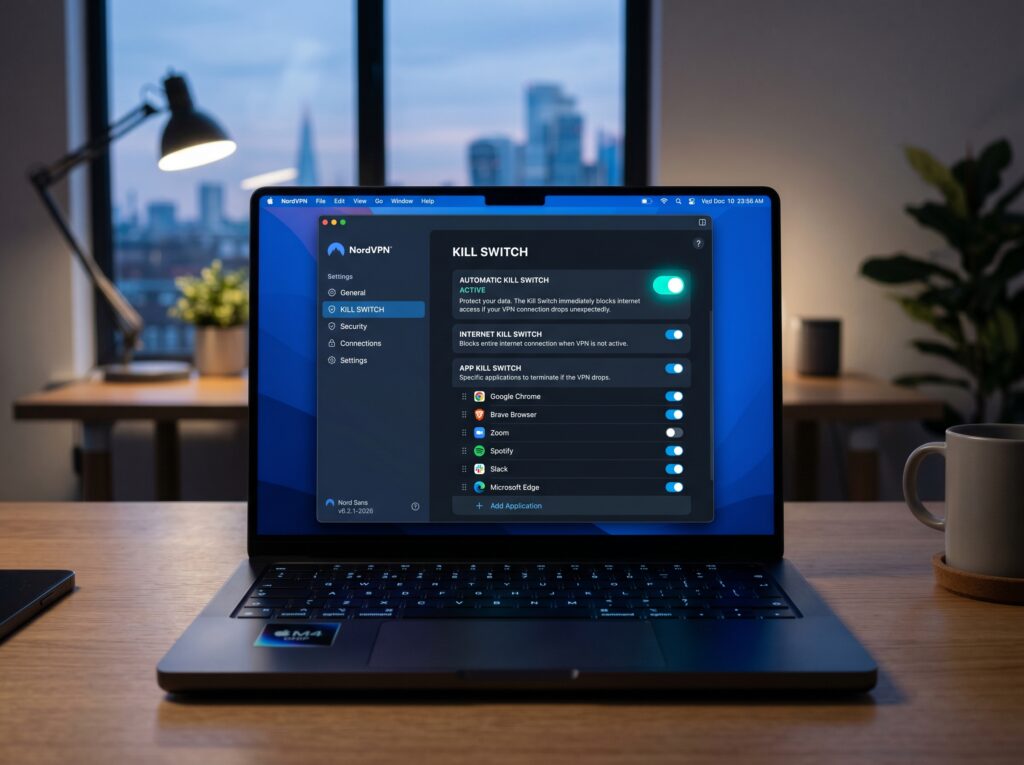
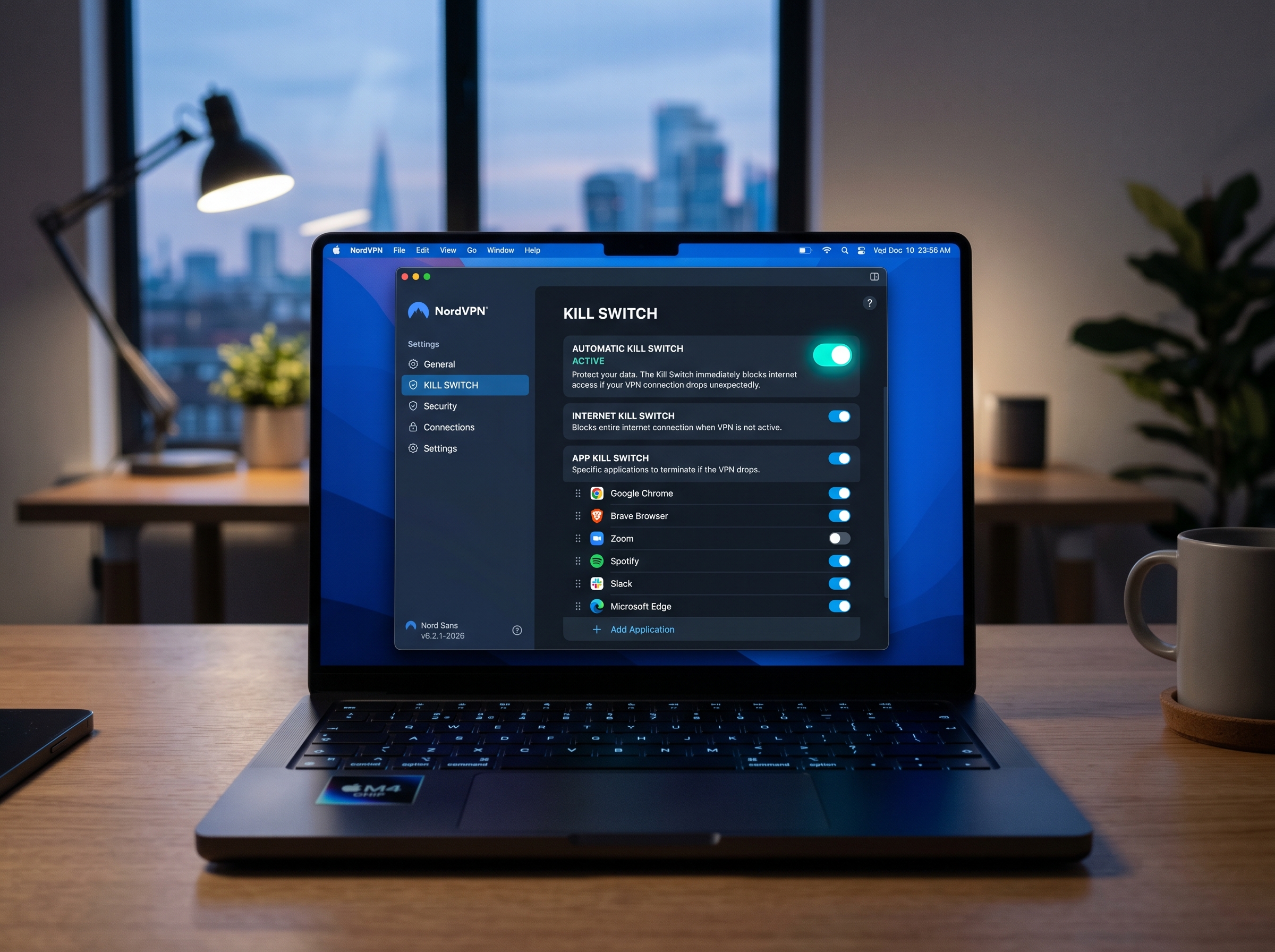
The kill switch works. I tested it by manually cutting the VPN connection mid-session and checking for IP leaks using ipleak.net. Traffic stopped immediately. My real IP didn’t appear. That’s what you want.
One thing worth knowing: NordVPN is incorporated in Panama. That matters because Panama has no mandatory data retention laws and isn’t part of any intelligence-sharing alliance. So even in a worst-case legal scenario, there’s nothing stored to hand over.
Streaming & Torrenting
This is where NordVPN has historically been strong, and that holds up in 2026. Netflix US, BBC iPlayer, Disney+, and HBO Max all worked consistently during my testing. Amazon Prime worked most of the time, with occasional hiccups. Hulu was the least reliable — roughly 80% success rate, which is frustrating if you depend on it.
I tested from UK servers trying to access US and Australian libraries. NordVPN’s servers rotate IPs frequently enough that streaming platforms haven’t been able to blacklist them at scale. That’s the practical reason it works better than cheaper VPNs.
Torrenting
NordVPN has dedicated P2P servers that are noticeably faster for torrenting than their general-purpose ones. Download speeds were solid, and I confirmed there were no IP leaks during active sessions using ipleak.net. They also support SOCKS5 proxy configuration for torrent clients, which some users prefer for speed.

Pricing & Value
This is where NordVPN gets complicated. The month-to-month plan at $12.99 is hard to justify when competitors with comparable performance charge $8–10. But if you’re willing to commit to two years, the price drops to $3.39 per month — which is genuinely competitive.
| Plan | Monthly cost | Billed as | Devices |
|---|---|---|---|
| Basic — 1 month | $12.99 | $12.99/mo | 10 |
| Basic — 1 year | $4.59 | $55.08/yr | 10 |
| Basic — 2 years | $3.39 | $81.36/2yr | 10 |
| Plus — 2 years | $4.39 | $105.36/2yr | 10 |
| Ultimate — 2 years | $6.99 | $167.76/2yr | 10 |
The Plus and Ultimate tiers add a password manager and antivirus respectively. I don’t think most people need them bundled here — a standalone password manager like Bitwarden (free) does the job fine. Stick with the Basic 2-year plan unless you specifically want those extras.
What I Don’t Like
Two things genuinely bother me about NordVPN.
The first is the monthly pricing. $12.99 per month is a lot when Mullvad charges $5 flat with no commitment required. NordVPN’s monthly plan is essentially a tax on people who aren’t sure yet — which seems like the wrong group to charge more.
The second is China. NordVPN works there sometimes, but they won’t guarantee it, and I’ve spoken to people who’ve had it fail during trips. If China is the main reason you’re looking for a VPN, I’d look at Astrill or ExpressVPN instead — both have a better track record there specifically. Read our NordVPN vs ExpressVPN comparison for more details.
How I Tested This
I ran speed tests three times daily over two weeks using Speedtest.net, averaging results to reduce variance from network conditions. I checked for IP and DNS leaks using ipleak.net, dnsleaktest.com, and browserleaks.com. The kill switch test involved force-disconnecting the VPN mid-session and immediately checking for IP exposure. Streaming tests were done from a UK server attempting to access US, Australian, and Japanese libraries.
Hardware: Windows 11 laptop, 16GB RAM. Connection: 500 Mbps fiber, London, UK. Testing period: March–May 2026.
Should You Get NordVPN?
For most people, yes — but only if you’re committing to a year or more. The 2-year plan at $3.39 per month is hard to argue with for what you get: audited no-logs policy, fast speeds, reliable streaming, and 10 device slots. It’s not perfect, but it’s the VPN I’d recommend to someone who just wants something that works without thinking about it.
If you’re price-sensitive and don’t need streaming or lots of servers, Mullvad is worth a look. If China is your main concern, look elsewhere. For everyone else — NordVPN is a solid, trustworthy choice.
30-day money-back guarantee — no questions asked
I tested the refund process. It took 5 business days. They didn’t ask why.

Common Questions
Is NordVPN actually safe?
Yes. The encryption is solid, the no-logs policy has been independently audited, and the jurisdiction (Panama) means they’re not legally required to store or hand over user data. It’s one of the more trustworthy options in an industry that’s often hard to verify.
Does it still work with Netflix in 2026?
It worked reliably during my testing across US, UK, and Canadian libraries. I had a roughly 90% success rate overall — the 10% failures were usually resolved by switching servers.
How many devices can I connect at once?
Ten. That’s more than most VPNs offer and enough to cover all your devices plus a few family members.
What if I want a refund?
They offer a 30-day money-back guarantee. I tested this personally — the refund was processed without any hassle in about five business days.
Is the 2-year plan worth it?
If you know you’ll use a VPN regularly, yes. The per-month cost drops significantly, and the features don’t change between plan lengths. The main risk is locking in for two years with a service you haven’t tried — which is why the 30-day refund window exists.